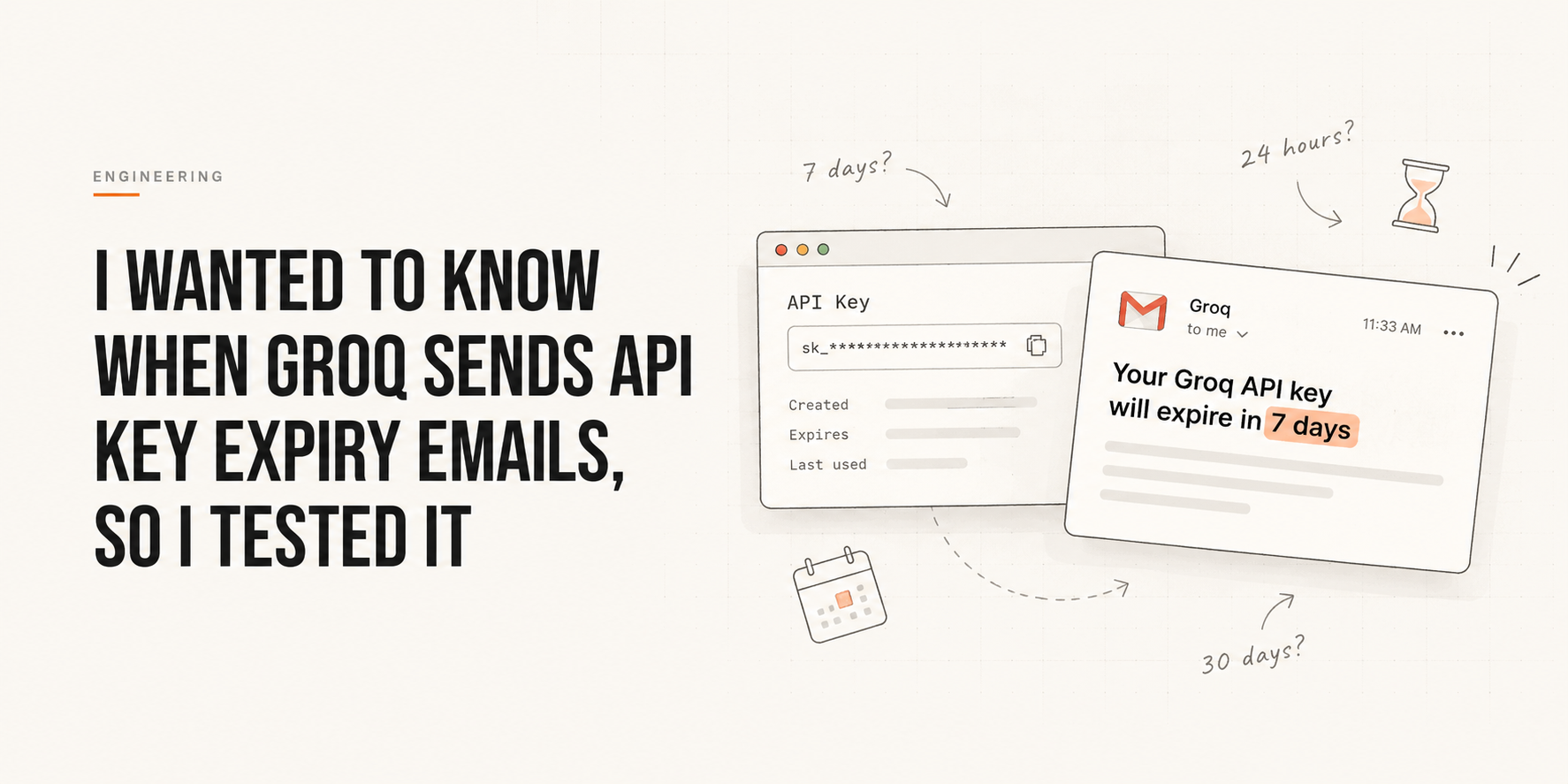
A few days ago, I created a Groq API key with a 7-day expiry.
About an hour later, I got an email from Groq saying that the key would expire in 7 days.
That felt a little weird.
If the key was going to expire after 7 days, why was I getting an expiry warning almost immediately after creating it?
So I started looking into it.
Not by reading the source code or guessing how their backend works. I just created a few keys with different expiry dates and watched what happened.
First, I wanted a control
I created another key, but this time I gave it a much longer expiry — 30 days.
No email.
That made the first case a little more interesting.
It didn’t look like Groq was simply sending an email whenever a new API key was created.
It seemed more likely that the notification depended on how close the key was to its expiry date.
So I created a few more keys with a 7-day expiry.
And again, I started getting the emails shortly after creating them.
The exact delay wasn’t always the same.
Sometimes it was around 30 minutes, sometimes 40 minutes, sometimes a little longer.
That also made one thing clear:
This probably isn’t happening directly inside the API-key creation request.
There seems to be some background process checking for keys that are approaching expiry and sending the notification separately.
Then I noticed something else
While looking at the expiry timestamps, I noticed that the keys created with the same expiry date were all ending at:
18:29:59.999 UTCSince I’m in India, that’s:
23:59:59.999 ISTSo the expiry seems to be tied to the end of the selected calendar day, rather than an exact number of hours from the moment the key was created.
That explained another small detail.
A key I created in the evening could still expire at the end of the selected expiry date, regardless of the exact time I created it.
But the interesting part came later
I created another key with an expiry date only a few days away.
Later, I received an email saying:
Your Groq API key will expire in 24 hours.
I checked the actual expiry timestamp.
There were still roughly 35 hours left.
That was interesting.
If the email literally meant “this key will expire exactly 24 hours from now”, the numbers didn’t match.
So I started thinking that “24 hours” might not actually mean a strict 24-hour threshold.
It could be based on the expiry date instead.
In other words, Groq may be thinking something closer to:
Your key expires tomorrow.
→ Send the "24 hours" warning.
rather than:
Expiry time - current time <= 24 hours.I can’t say that’s definitely how their system works, but the timestamps make the second explanation harder to believe.
So what is actually happening?
After playing around with different expiry dates, my current understanding is:
- Groq doesn’t appear to send an expiry email simply because a key was created.
- Keys that are already close to their expiry date can trigger a notification shortly after creation.
- The notification seems to happen asynchronously rather than as part of key creation.
- The expiry date appears to represent the end of a calendar day.
- The “24 hours” warning doesn’t necessarily mean exactly 24 hours are remaining.
- There also seem to be different warning points, rather than receiving an email every day as the key gets closer to expiry.
I initially thought I might find something like an hourly cron job checking:
if expiry < now + 7 days:
    send_email()
But the timings don’t give enough evidence to say that.
And honestly, that’s the interesting part.
I started with a simple question:
“Why did Groq email me about a key that was supposedly going to expire in 7 days?”
After a few keys and a few timestamps, it turned into a small black-box investigation into how an API platform handles expiry notifications.
I still don’t know exactly what Groq’s internal scheduler looks like.
But I now have a much better idea of what the system is doing from the outside.
And that’s probably enough for me to stop creating API keys for now.
There is one more thing I want to test though:
Does changing the timezone change the actual expiry timestamp?
That’s a test for another day.
— Nikhil Gautam